Start here · 5:21
OnBlock: one board for the whole line-maintenance station
What OnBlock is, why a line mechanic built it, and a short tour of every feature. Also on YouTube
Start with the overview, then pick a feature: twenty-five step-by-step videos.
What OnBlock is, why a line mechanic built it, and a short tour of every feature. Also on YouTube
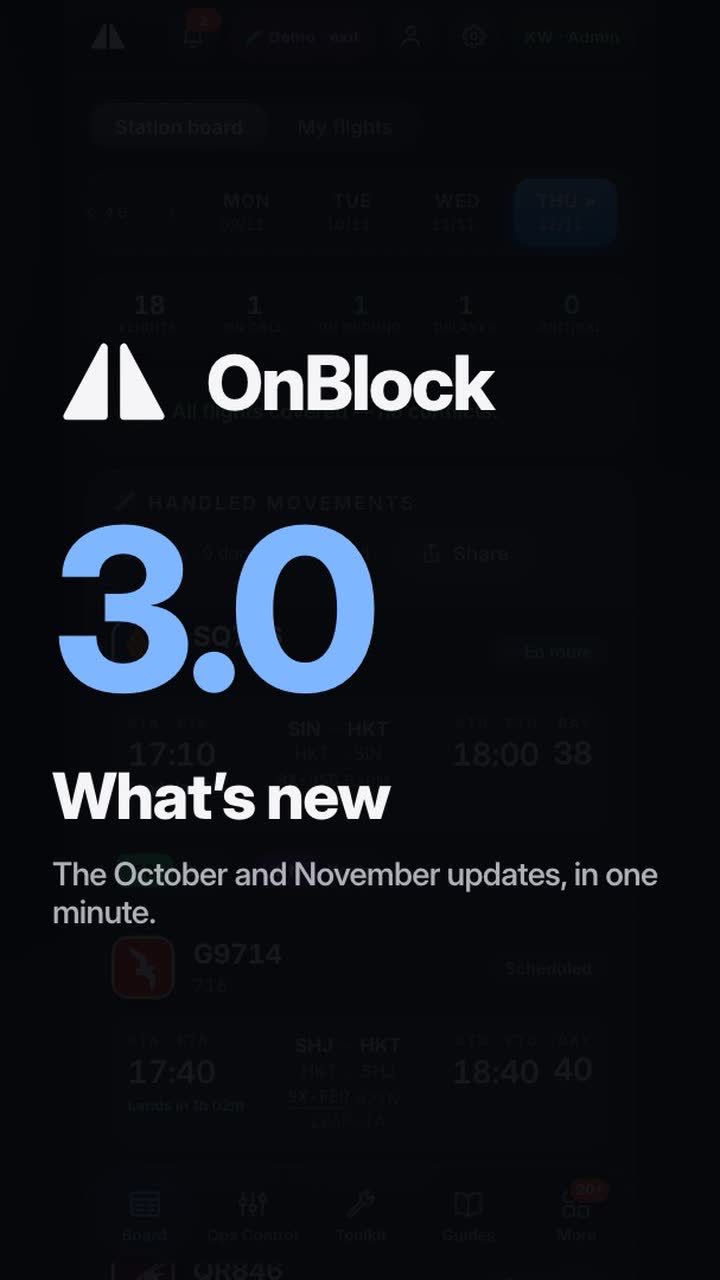
The October and November updates in one minute: the new look, My flights, the handover when the LAE changes, the monthly toolbox check, Stocktake, Aircraft 3D from real models, a start with no internet and the station row on the sign-in page. A tall video made for a phone, with its words in the picture.
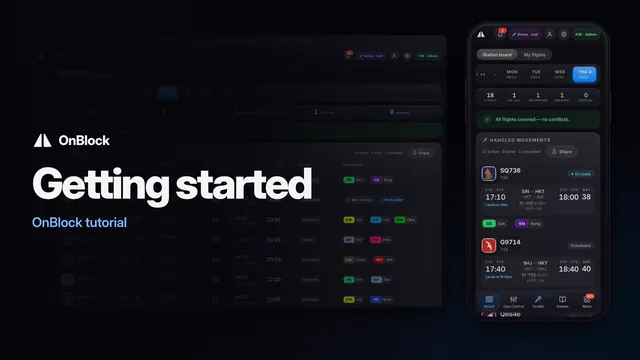
Sign in or try the demo, put OnBlock on your phone, find your way around and set it up. Also on YouTube
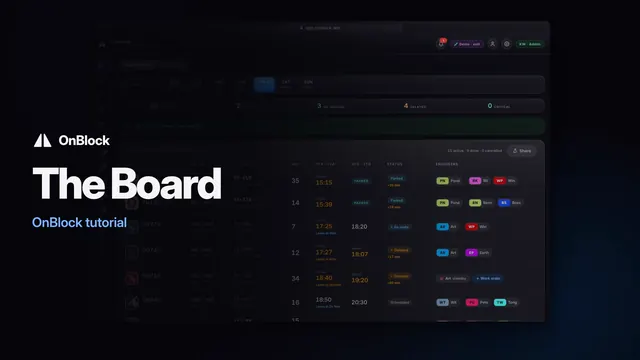
Every flight your station handles today: its bay, its times and its engineers, live on every screen. Also on YouTube
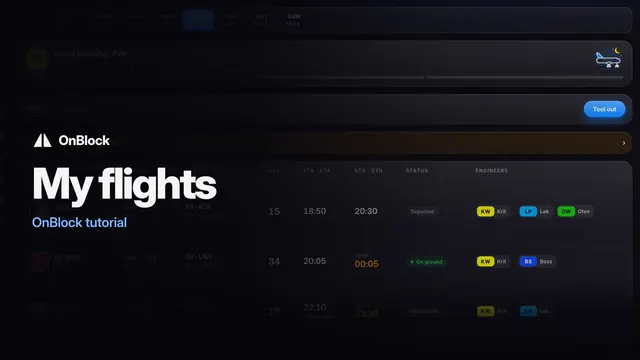
Your own flights, your station logs and your tools, on one page. Also on YouTube
One log entry for every flight: filled in on a phone, checked and exported in the office. Also on YouTube
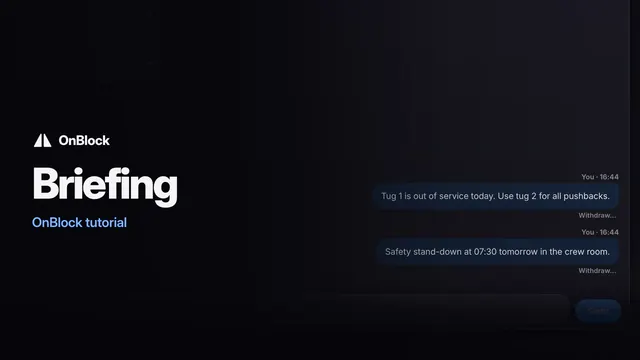
What reaches your phone, what waits in the bell, and what the red numbers mean. Also on YouTube
Your own page: the hours you claim, your passes, the tools out with you and your ratings. Also on YouTube
Tell your station you are sick from your phone, and see what the Duty engineer sees. Also on YouTube
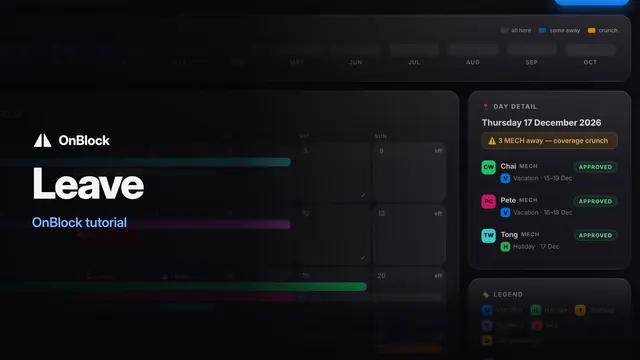
See who is away, ask for time off, and approve it, in one place. Also on YouTube
The day's digest, the station's notices and what is new in the app, on one page. Also on YouTube
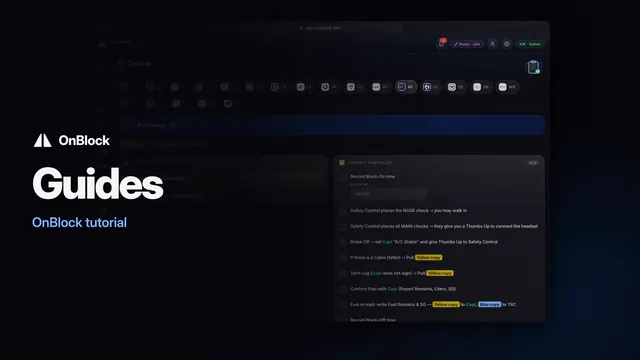
How your station handles each airline, with a checklist you tick on your phone. Also on YouTube
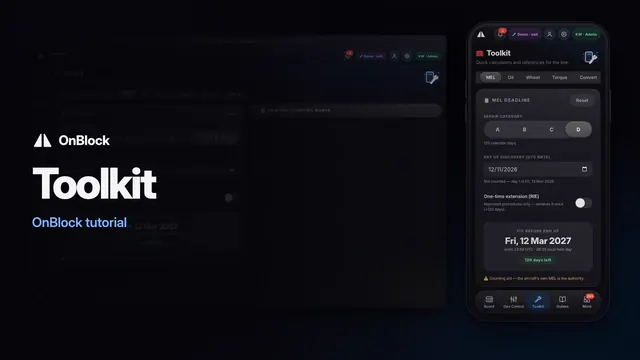
Quick checks for the line: fuel uplift, MEL deadlines, oil, the wheel-change kit and torque. Also on YouTube
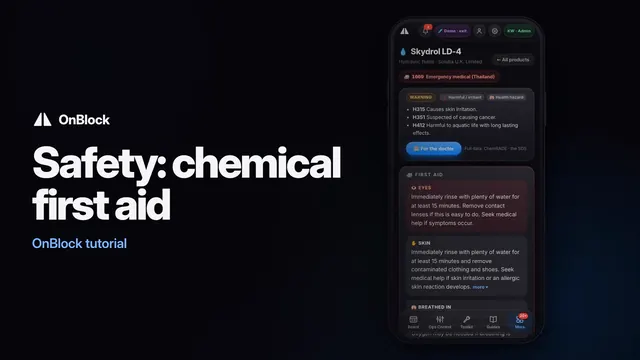
First aid, what to wear, fire and spill, and a sheet for the doctor, for every station chemical. Also on YouTube
Hand out a tool, take it back, and sort out the ones that left with no name. Also on YouTube
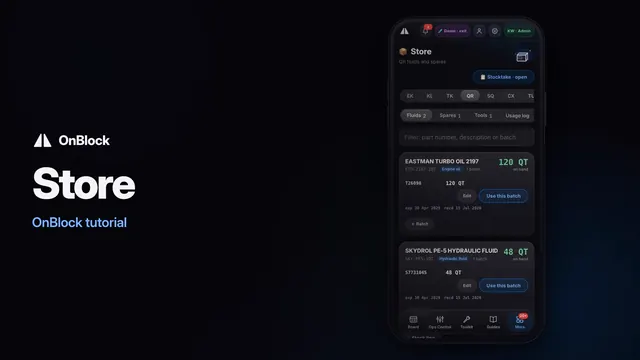
Check the shelf before you walk, and record the parts and oil you used. Also on YouTube
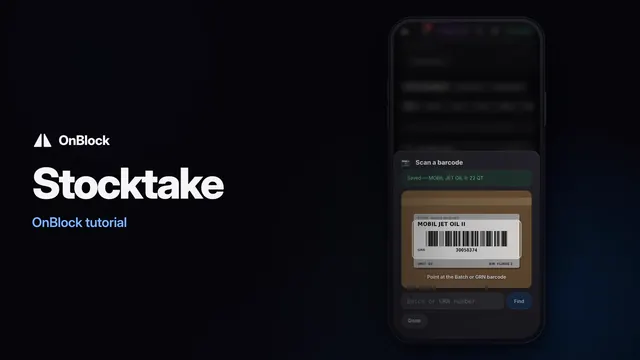
Count the whole store by barcode with your phone camera, as a team. Also on YouTube
Hand an aircraft over to the next engineer, item by item, every answer stamped. Also on YouTube
Tell the whole station an aircraft is stuck, and when it is free again. Also on YouTube
Raise the work order for an on-call call-out in minutes, right from your phone. Also on YouTube
Today's cover, sick calls and quick fixes, for the Duty engineer and the planner. Also on YouTube
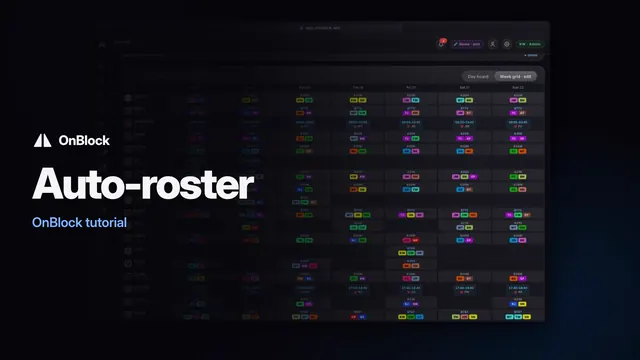
Build next week with the Auto-roster, fix it by hand, and publish it to the station. Also on YouTube
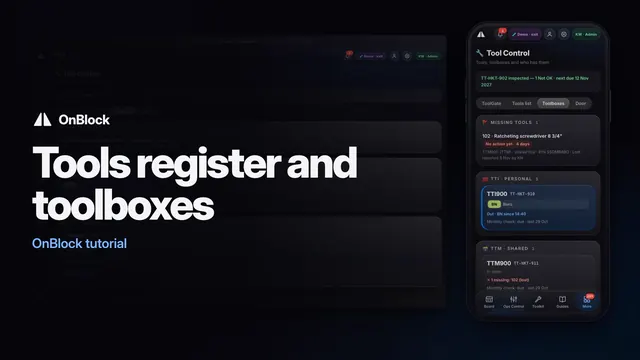
Expired, due, missing or out: see it, act on it and record it, for the tools team. Also on YouTube
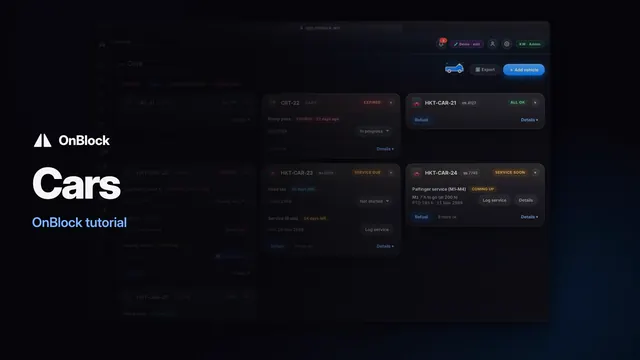
Every station car and cart: documents, checks, defects, service and refuels. Also on YouTube
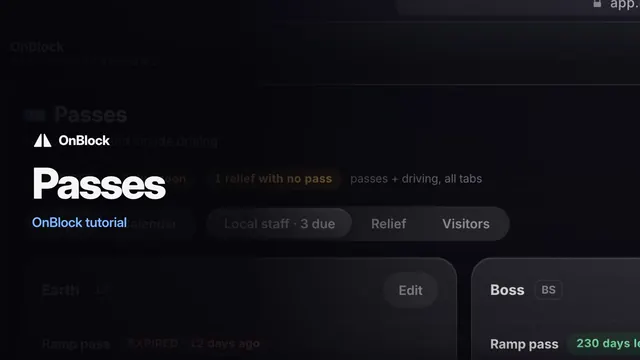
Ramp passes and airside driving permits, so nothing runs out unnoticed. Also on YouTube
The station's staff list, type ratings, roles and access, kept in one place. Also on YouTube
Set up the station TV and the office PCs once, readable from across the room. Also on YouTube
Filmed on OnBlock's built-in demo: the people, staff numbers, aircraft registrations, rosters and records on screen are invented.
Send a message from onblock.win — it goes straight to the OnBlock team.